How to set up your company profile & branding
Your company details and branding appear on every deal and proposal your clients see.
Steps
Go to Settings → Company.
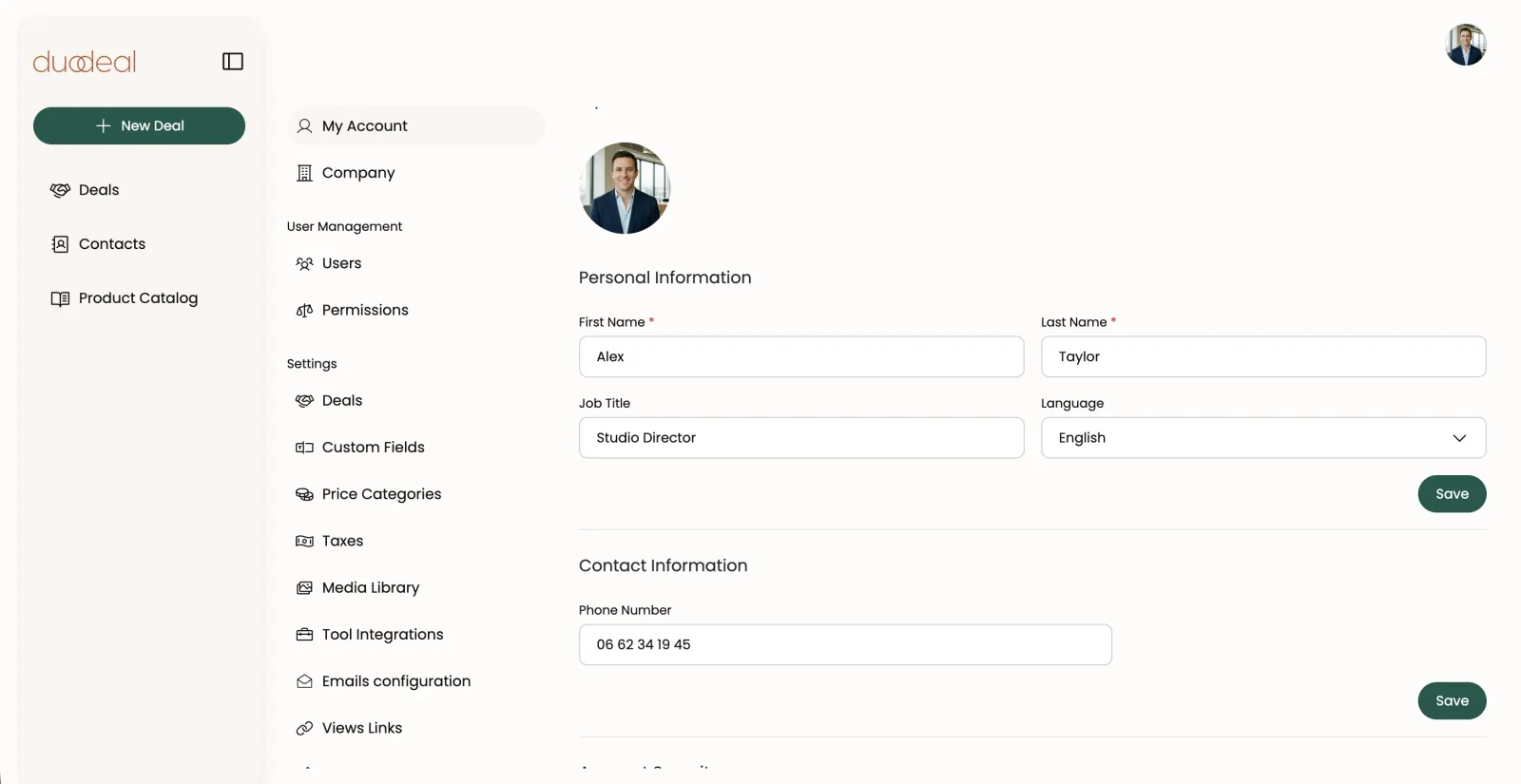
The Settings → My Account panel Upload your logo and a cover image.
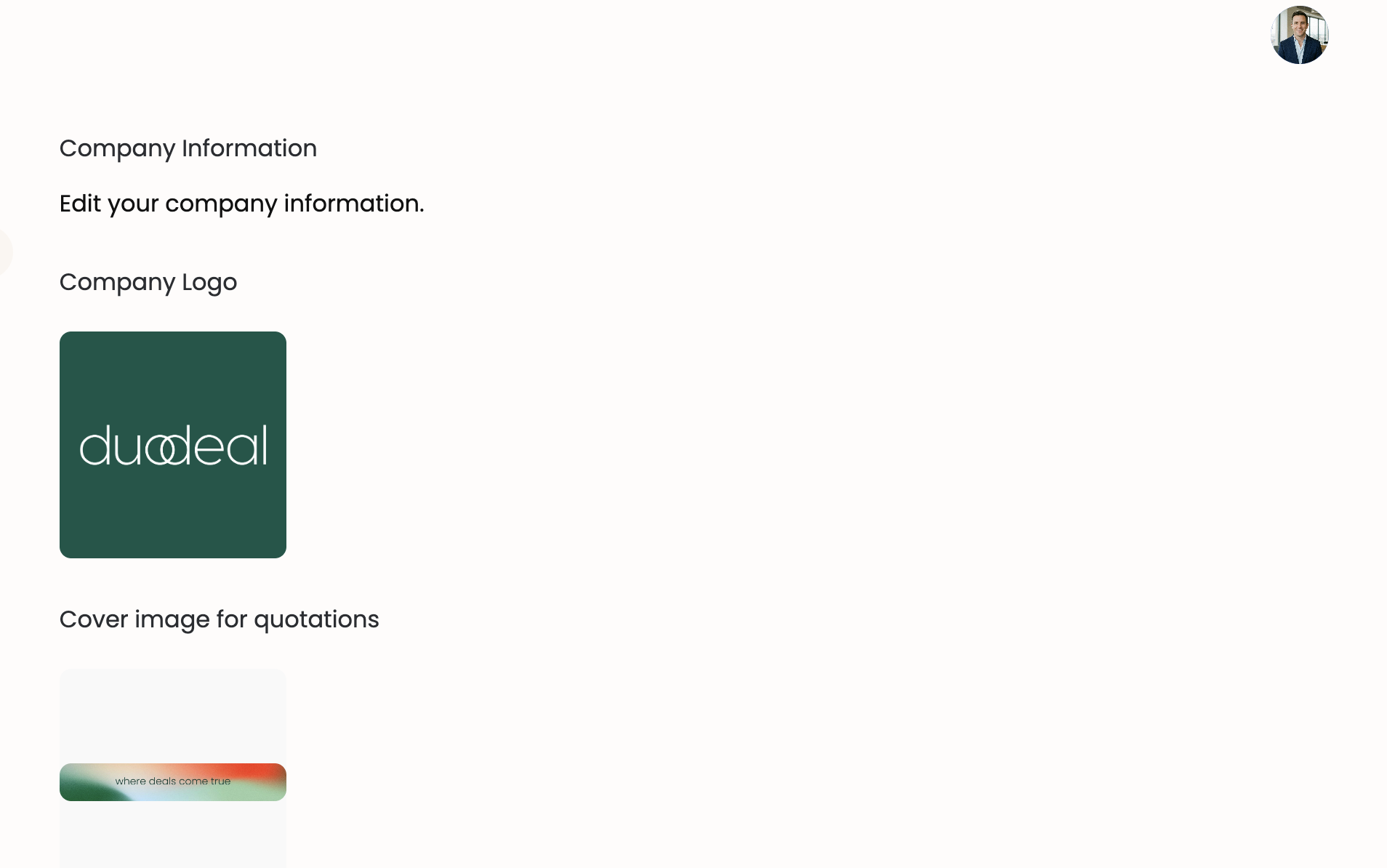
Logo and cover image section Fill in your address, country, and SIREN.
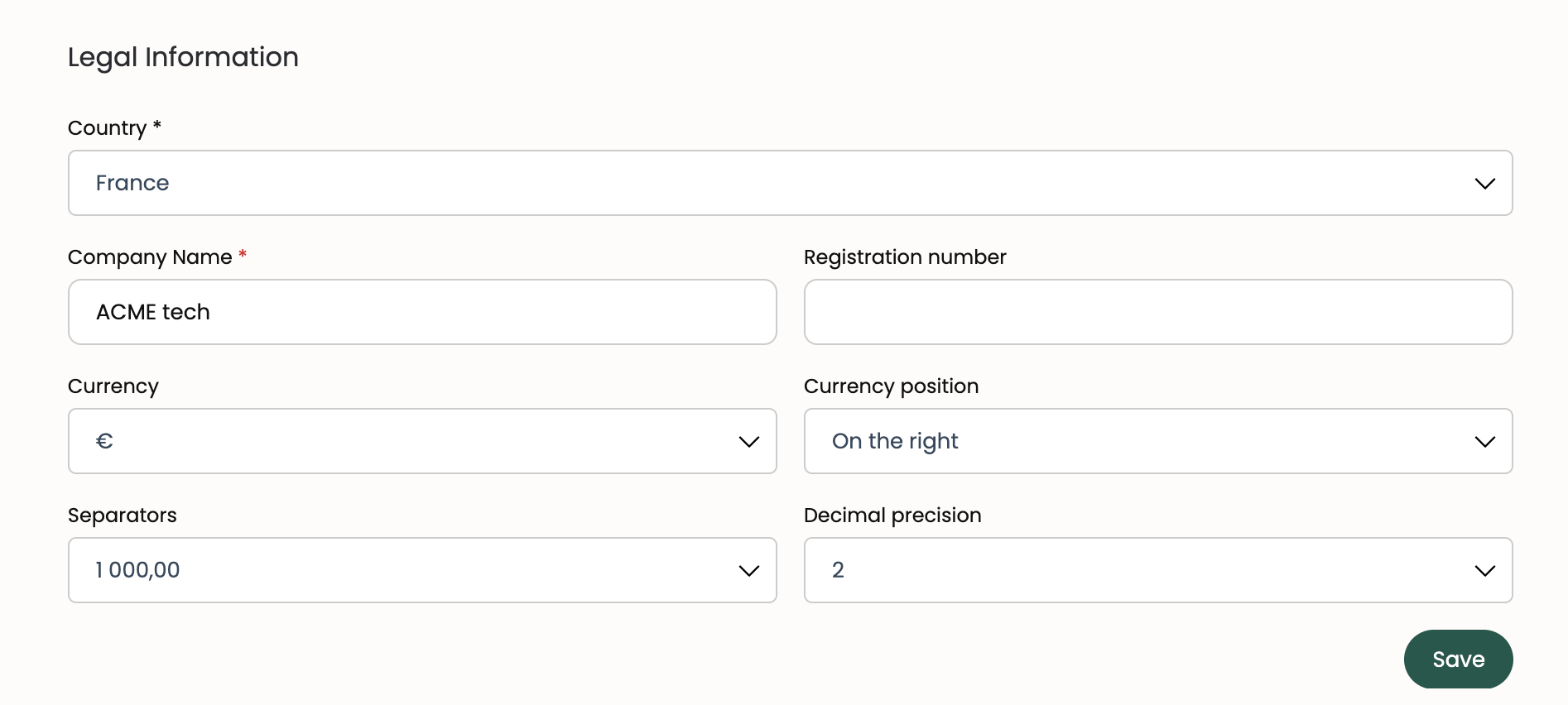
Legal Information form Save — your branding now applies automatically to shared deals and PDFs.